

Checkout Form

Checkout FieldsAdvanced SettingsPremium FeaturesOther Free Plugins

The Golden Perks that Come with the Checkout Field Editor Pro
The numerous advanced features that accompany the Checkout Field Editor Pro for WooCommerce plugin lets you create an organized and flawless checkout page. Why wait? Go pro and advance your checkout page to the next level now.
Key Features of WooCommerce Checkout Field Editor Pro
Checkout Field Editor For WooCommerce plugin comes with several advanced features that let you create an organized checkout page. With these premium features, bring your checkout page to its next level
- 24 custom checkout field types
- Custom section which can be placed at 15 different positions on the checkout page
- Display fields conditionally
- Address autofill suggestion
- Display sections conditionally
- Price fields with a set of price types
- Custom validations
- Change address display format
- Display fields based on shipping & payment methods
- Compatibility with other plugins
- Instant validation of fields
- Zapier & Integromat support
- WPML compatibility
- Repeat fields conditionally
- Manage field display in emails and order details pages
- Display custom fields optionally at My Account page
- Customise, disable or delete default WooCommerce fields
- Developer friendly with custom hooks
- Rearrange all fields and sections as per convenience
- Create your own custom classes for styling the field

Switch to Pro version and be a part of our limitless features Switch to a world of seamless checkout with an ocean of possibilities to customize.
2 Million+ Users & 1000+


Enjoy the Premium Support experience with our dedicated support team.
Available Field Types
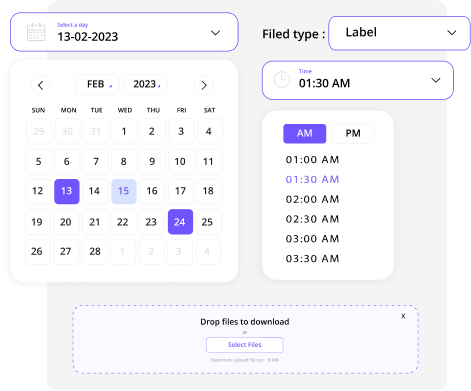
Following are the custom field types available in the Checkout Field Editor plugin.
- Text
- Hidden
- Password
- Telephone
- Number
- Textarea
- Select
- Multiselect
- Radio
- Checkbox
- Checkbox Group
- Date Picker

- Datetime local
- Date
- Time Picker
- Time
- Month
- Week
NEW
- File Upload
NEW
- Heading
- Paragraph
- Label
- URL

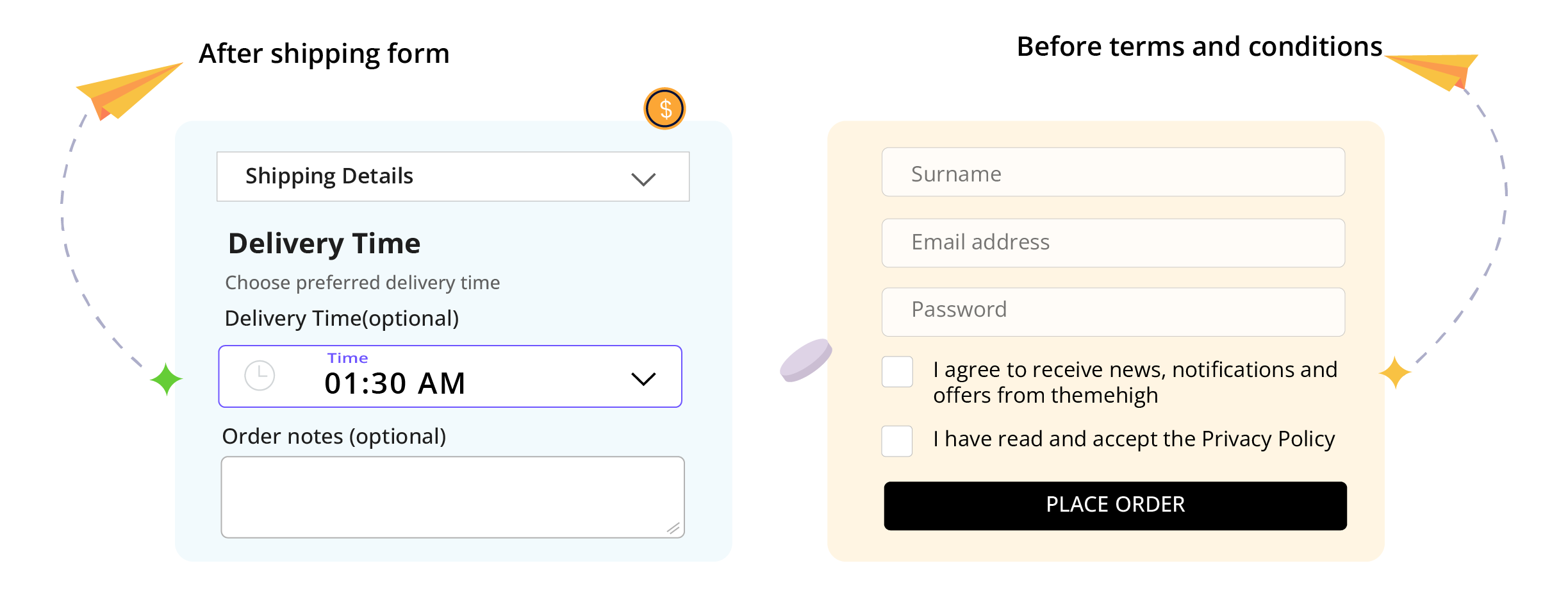
Display the custom sections on your checkout page based on the condition you set. Following are the positions where these checkout sections can be displayed:
- Before customer details
- After customer details
- Before billing form
- After billing form
- Before shipping form
- After shipping form
- Before registration form
- After registration form
- Before order notes
- After order notes
- Before terms and conditions
- After terms and conditions
- Before submit button
- After submit button
- Inside a custom step created using WooCommerce Multistep Checkout
Display Fields Conditionally
Display the custom and default checkout fields based on the conditions you provide. Conditions on which field can be displayed are:
- Cart Content
- Cart Subtotal
- Cart Total
- User Roles
- Product
- Product Variation
- Product Type
- Product Category & Tag
- Shipping Class
- Shipping Weight
- Based on the other field values
- Based on Shipping & Payment Methods
Add price fields and choose the price type
With the premium version of the Checkout Page Editor Plugin, add an extra price value to the total price by creating a field with price into the checkout form. The available price types that can be added to WooCommerce checkout fields are:
- Fixed Price
- Custom Price
- Percentage of Cart Total
- Percentage of Subtotal
- Percentage of Subtotal excluding tax
- Dynamic Price


Great plugin, even better support (free & pro versions)
I used the free version of this plugin for a while until I needed some of the pro features. It was great as a free plugin and even better as a paid/pro version. On top of that, the support for the pro version is out-of-this-world good! Anuram on the support team went above and beyond. I heartily recommend upgrading to the pro version if it has features you’d like to use, as it is very well worth the price paid!
Eric Kuznacic
FAQ's
Don't worry! Here are the answer to your frequent doubt and questions. If you feel you haven't been answered relevantly, feel free to contact our efficient support team.
Switch to Pro version and be a part of our limitless features
Switch to pro and unlock access to few of the most sought after features in the checkout page and experience one of a kind convenience like never before.
Get Pro